Getting Started
We need to create a snowflake user with enough permissions to execute tasks that we are going to deploy through Pipeline.
- Login to you snowflake account
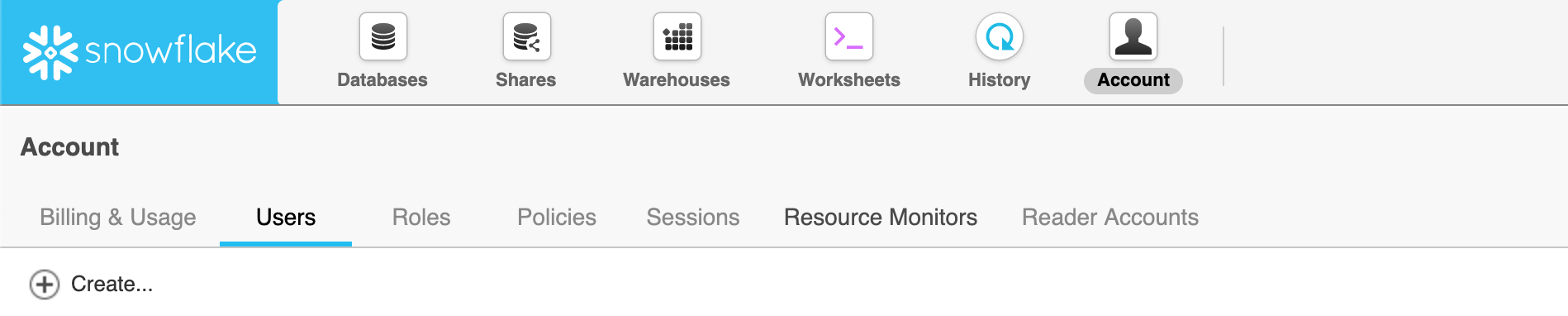
- Go to Accounts -> Users -> create

- Give the user sufficient permissions to execute required tasks.
- For more info on user management in snowflake, Refer Snowflake’s User Management and Access Contol Documentaion.
Create the database in snowflake that you’ll be using.
Clone the repository from github.
If you are going to deploy using any cloud native solution, you need to have enough permissions assigned to access those services.
Now, we have four ways to proceed, choose one according to the CI/CD setup you have in place.